27 March 2026
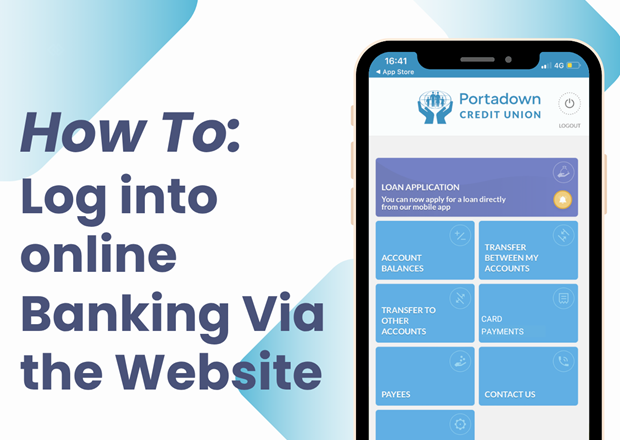
New Online Video Tutorial Series
Introducing our How-To Series.
These videos are designed to guide members through the features of our website and app, helping you manage your account anytime from the comfort of your home.
Download the PCU app today. Available by searching "Portadown Credit Union" in your app store or clicking the links below.
- Google Play Store- Download Here
- App Store- Download Here
All members will need a PIN to access our app for the first time. This can be done by:
- Phoning us on (028) 3833 5104 during opening hours- press 4 for direct link
- Answer 3 security questions
- State the 6 digit verification code you will receive from us via SMS (whilst on the phone)
- You will receive your PIN to log in via SMS. After the initial log in, you will be asked to change this passcode which will be your new PIN going forward.
The mobile number and address attached to your account needs to be up to date in order for the PIN to be sent via SMS. If the number on the system is not current, this can only be changed in office with valid photographic ID. A PIN will be issued once this is done.
You will need your account (member) number to log in therefore if you do not know yours, please ask for this over the phone. If you're in office, PINs can be issued over the counter also.
Stay tuned for more tutorials.

Portadown Credit Union- Your local lender of choice